
 Transcriptor Offline
Transcribe offline
Record, transcribe and summarize meetings, classes and voice notes on your iPhone, Mac or Android phone. No accounts, and your audio is never uploaded to a server.


For iPhone, Mac and Android
- In the language of each recording: one of 100 on iPhone and Mac, and one of 25 on Android.
- Only needs a connection the first time, to download the models.
- No accounts, no ads, no tracking.
Knows who said what
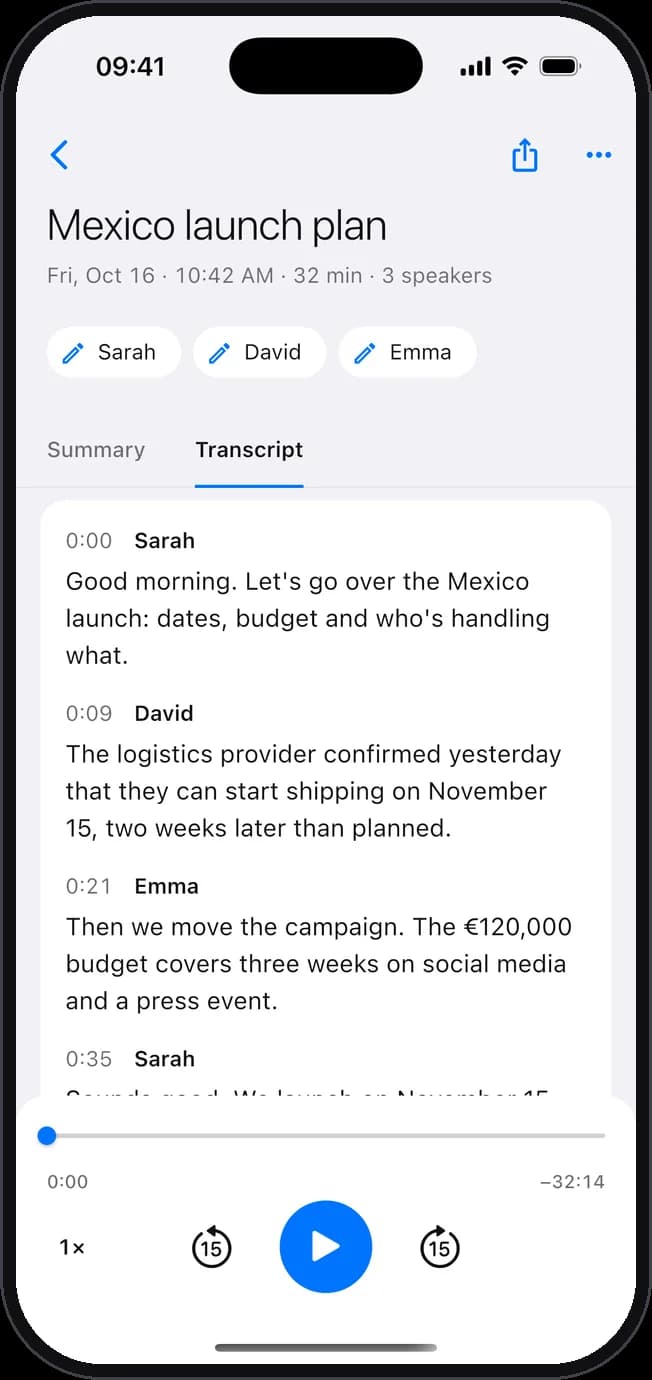
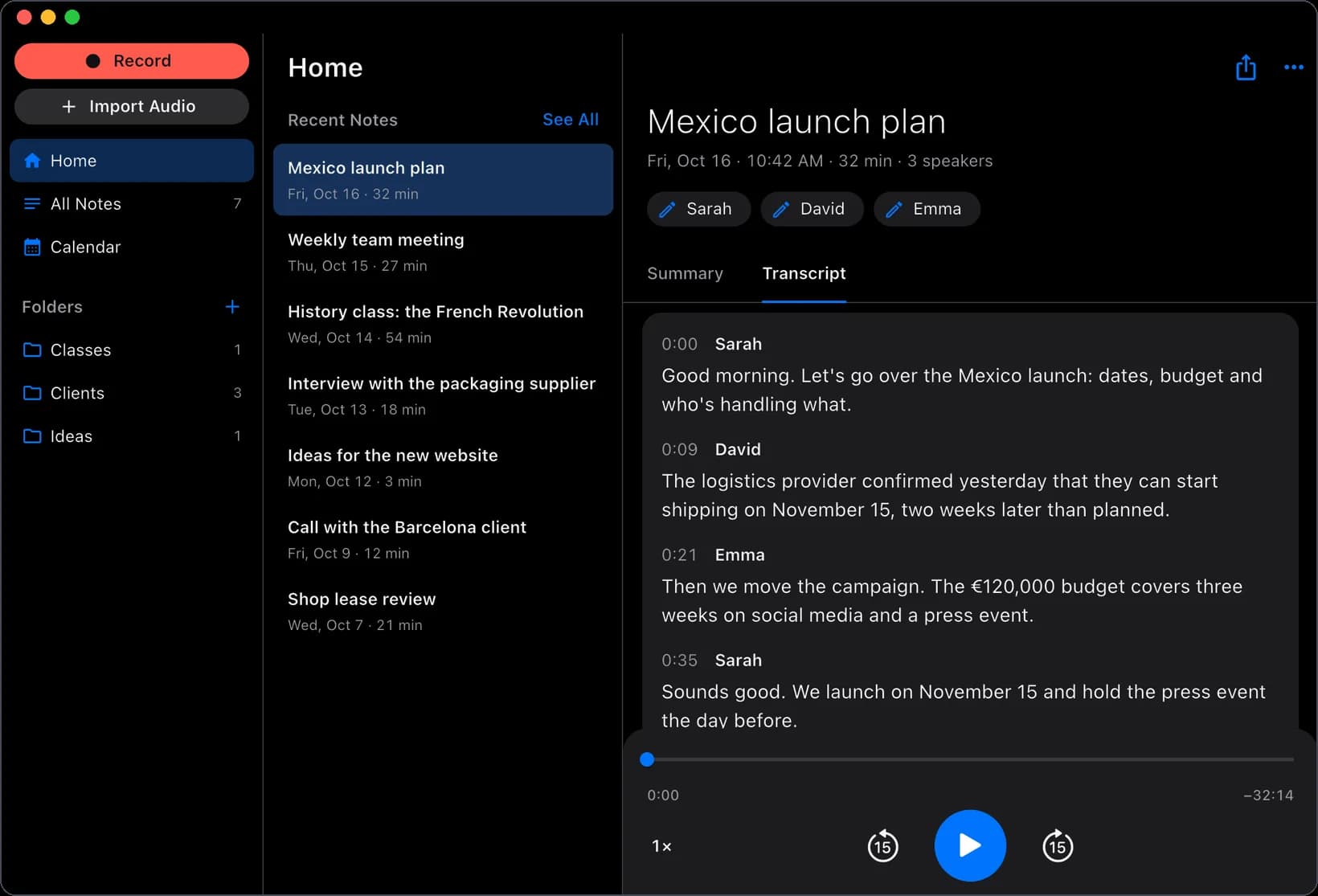
Tells each person in the conversation apart. Name them with a click.
- Merge two speakers if they’re the same person.
- Listen to the audio with the spoken word highlighted in the transcript.
- Fix a sentence, change who said it or delete it.
AI summaries
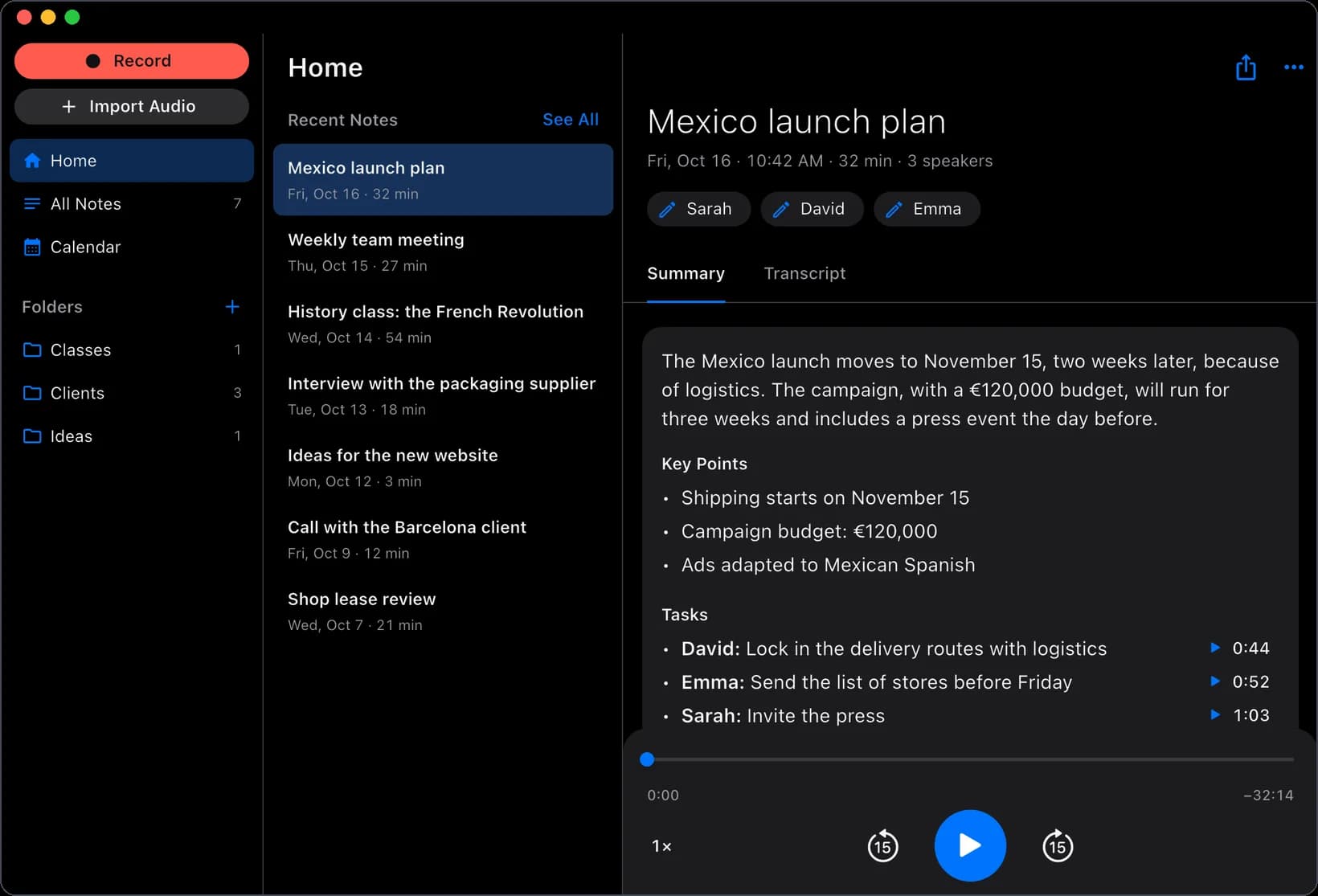
The summary and key points of every meeting, made on your own device.
- On iPhone and Mac, with Apple Intelligence.
- On Android, with Google’s Gemma, once its model is downloaded (2.6 GB).
- Tap to hear the moment each task or appointment came up.
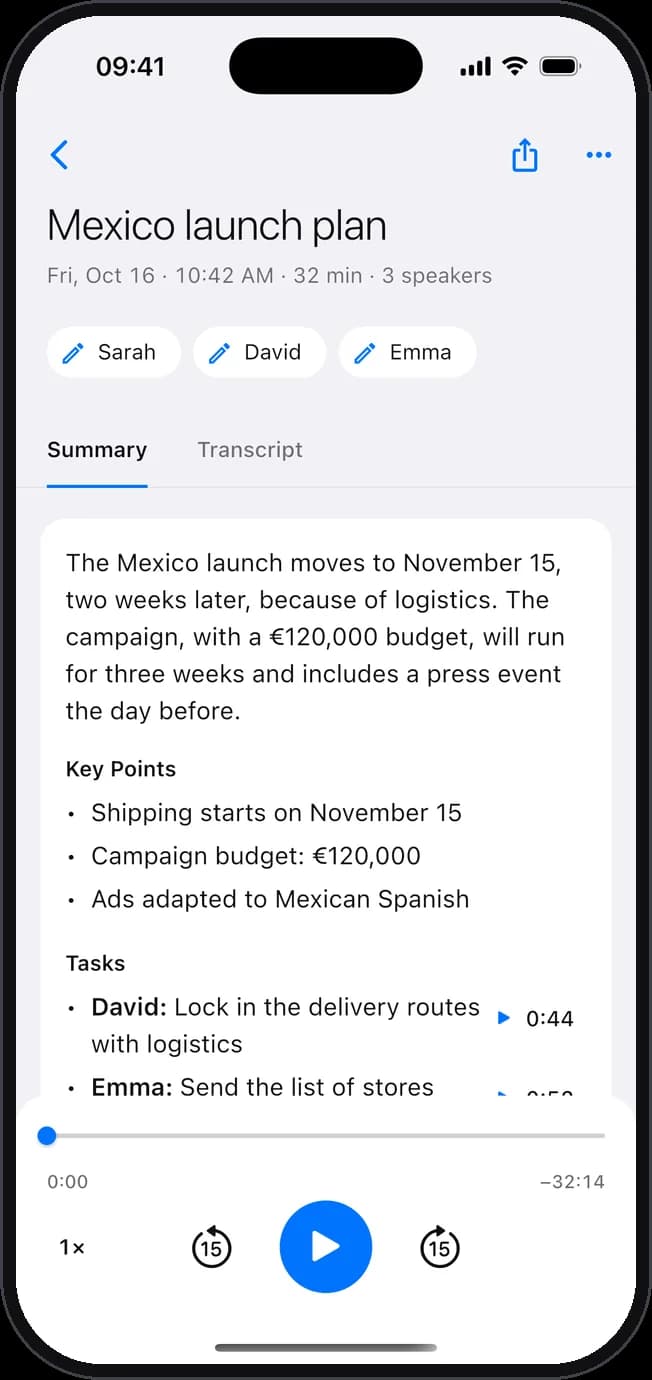
Who does what
Every task, with its owner. And appointments, to your calendar in one tap.
- The owner is shown when the conversation says who it is.
- For each appointment: what, when and with whom.
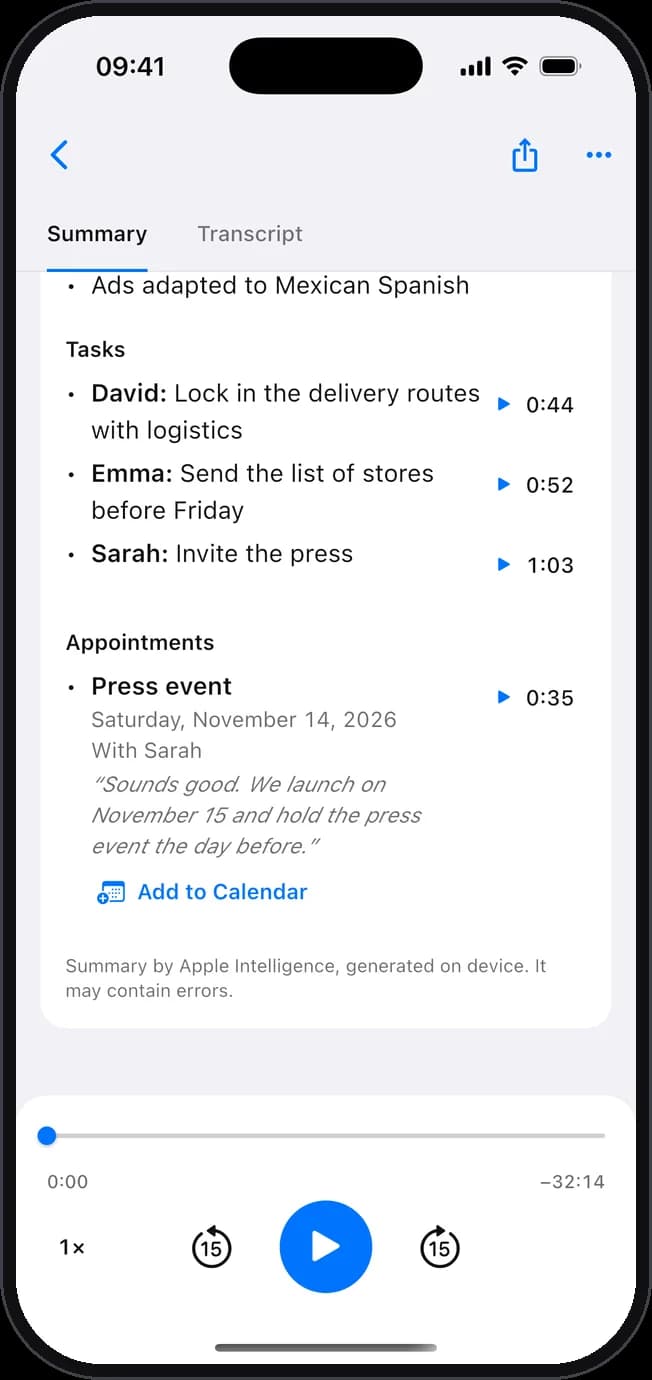
Record your calls
When a call starts on your Mac, on WhatsApp for example, it asks whether to record it.
- Records your voice and the other person’s, and transcribes the call when you hang up.
- On Android, if your phone saves call recordings to a folder, Transcriptor picks up the new ones to transcribe them.
- If you record other people, let them know first: the law may require it.
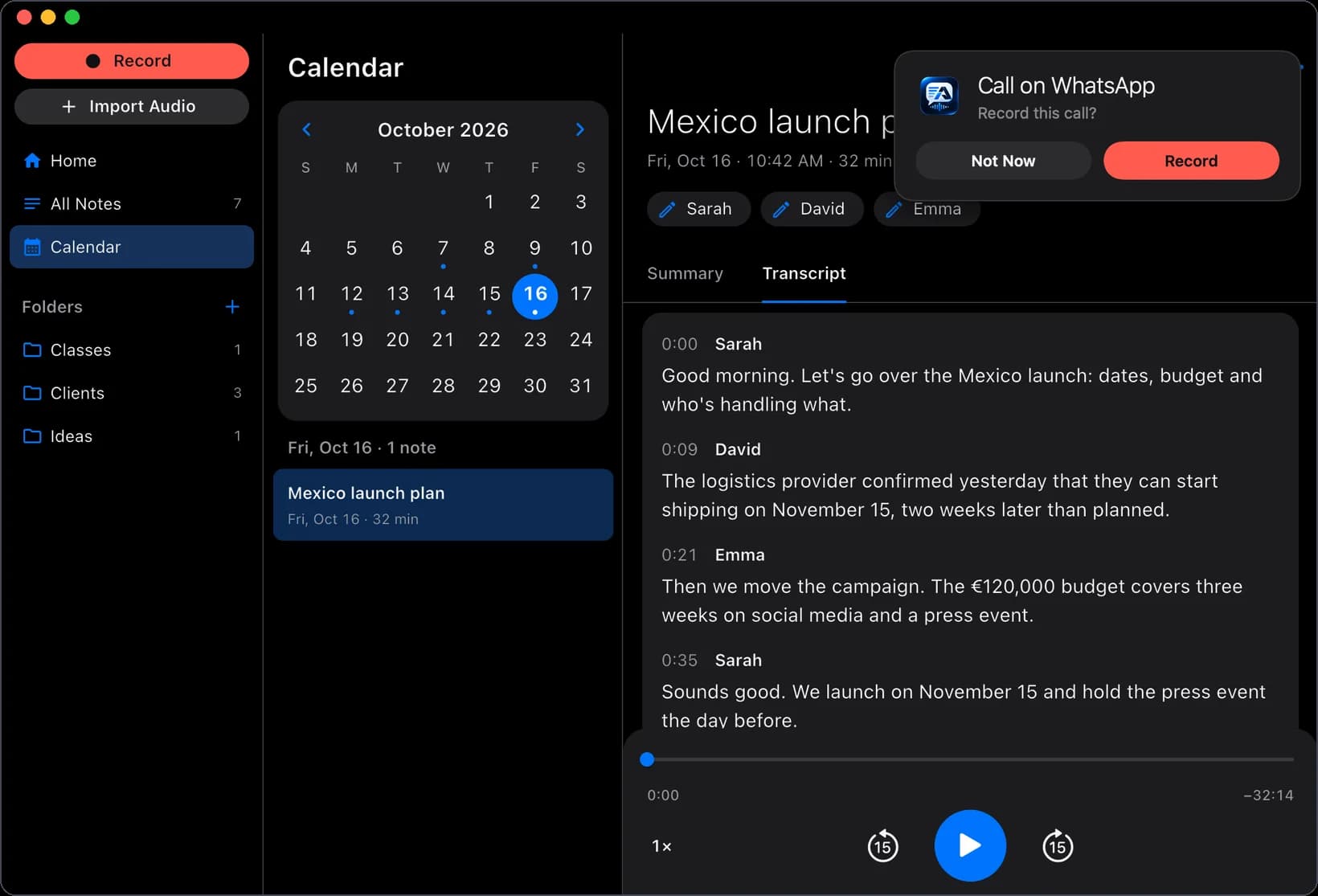
Record, organize and share
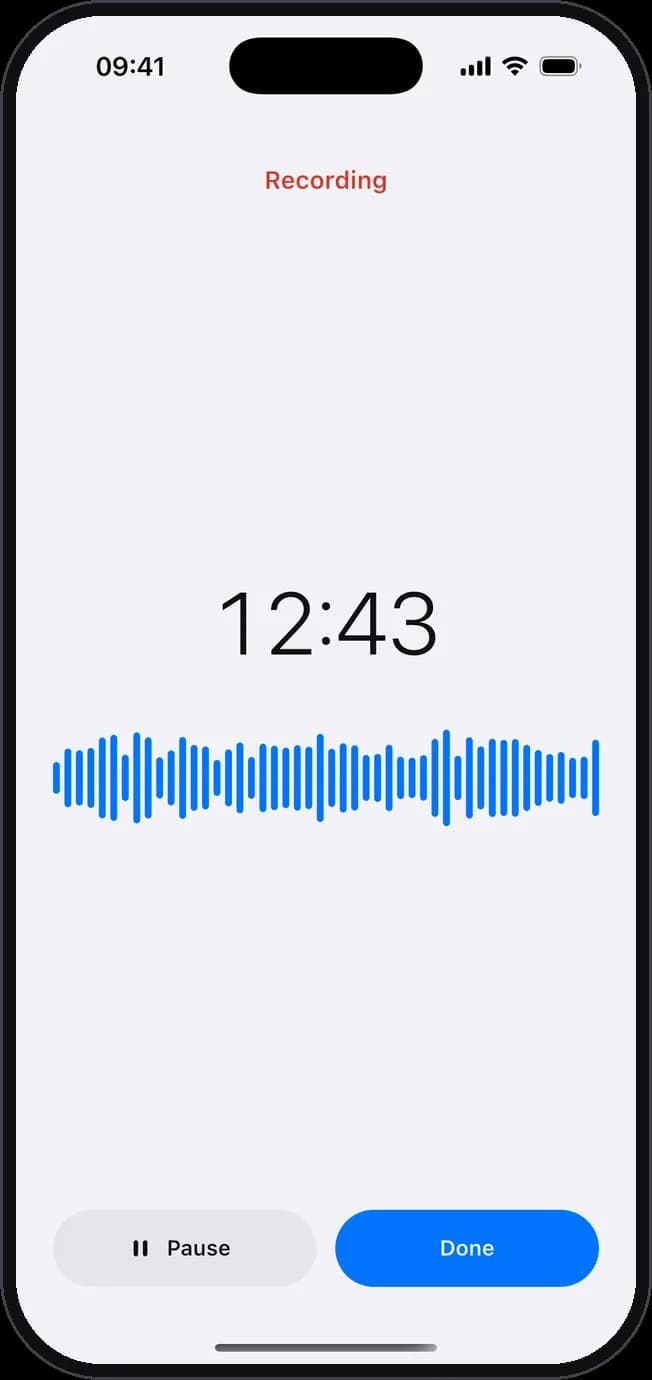
Record with one tap
Meetings, classes, interviews and voice notes. Or import audio and video, from WhatsApp too.
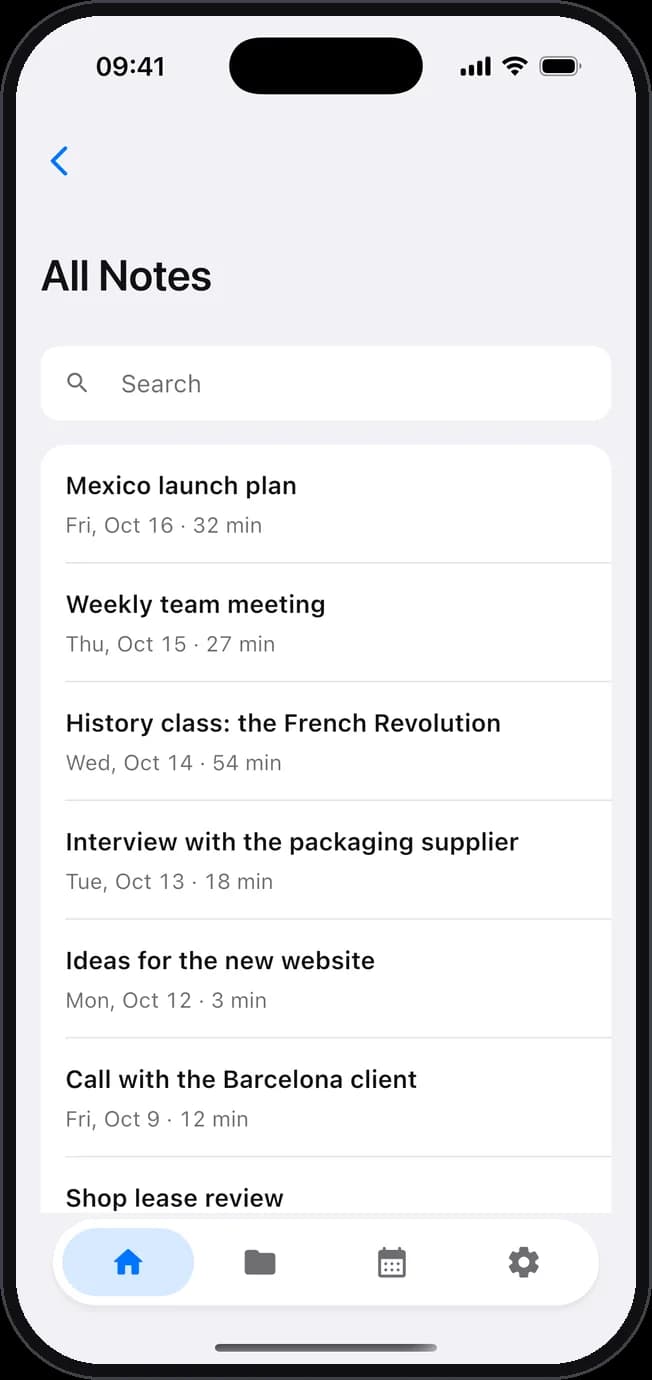
All your notes, in order
In folders and on a calendar, with search to find anything.
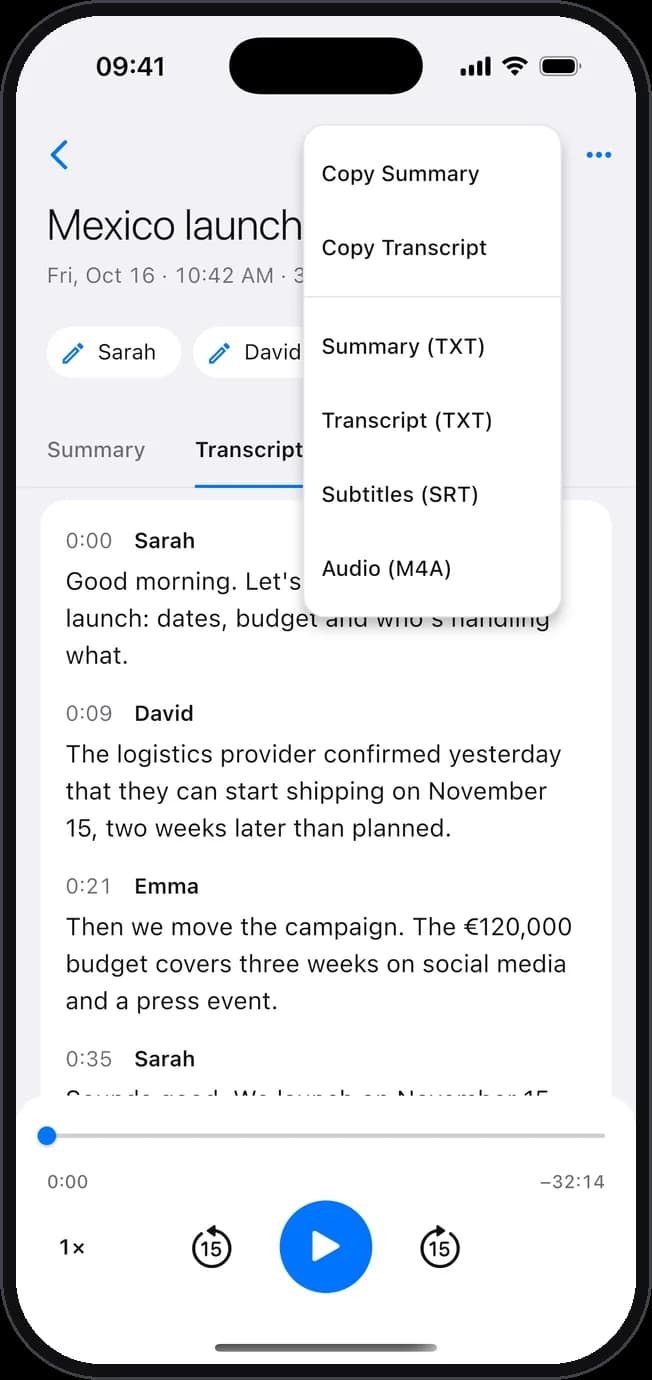
Export and share
As text, SRT subtitles or audio. Or copy the summary.
Translate your notes
Translate the transcript and the summary into another language with Apple’s translator, right on your iPhone (iOS 18 or later) or your Mac.
Your audio is never uploaded to a server
Your recordings, transcripts and summaries are stored on your device. No accounts, no ads, no tracking. If you prefer, keep only the transcript: the audio is deleted once it’s transcribed.
Transcriptor Pro
Your first 5 transcriptions are free. After that, Transcriptor Pro gives you unlimited transcriptions.
Monthly
With a 1-week free trial
Yearly
With a 1-week free trial
Lifetime
One-time payment
Prices are shown in the app before you buy and may vary by country. On iPhone and Mac, one purchase covers both; on Android, you buy it with Google Play.
What you need
- iPhone
- iOS 17 or later. Summaries need an iPhone compatible with Apple Intelligence, with iOS 26 or later. Translation needs iOS 18 or later.
- Mac
- A Mac with Apple silicon and macOS 15 or later. Summaries need Apple Intelligence and macOS 26 or later.
- Android
- Android 10 or later. Summaries need a phone with 6 GB of memory or more.

Get Transcriptor
Your first 5 transcriptions are free, on iPhone, Mac and Android.